Introduction
During a recent trip back to Japan, I stopped by Yodobashi Camera and asked a staff member a simple question:
“Is there a case or system that lets me quickly access my camera and attach it to a backpack?”
The recommendation was the Peak Design Capture Camera Clip.
After receiving a clear and detailed explanation of how it works, I immediately thought, “This looks really useful.”
I decided to buy it—and after using it for a while, I found myself reaching for it every time I went hiking.
Because it has become such an essential part of my outdoor photography setup, I’d like to introduce it here.
The system
Just by looking at the product photos, you can probably understand how it works.
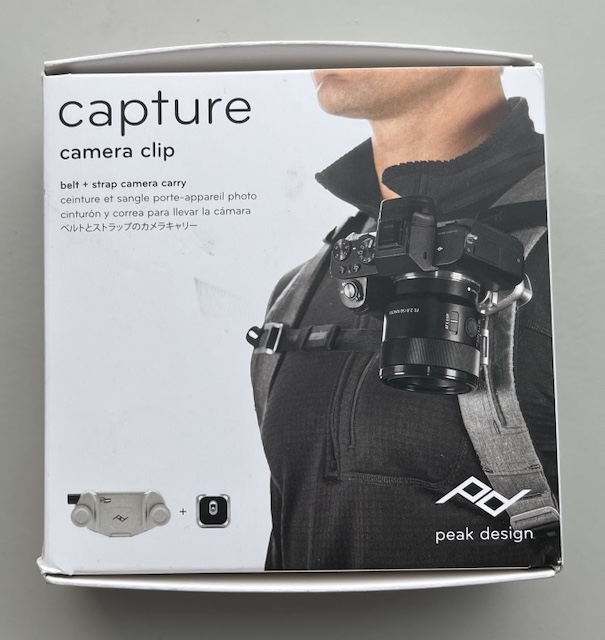
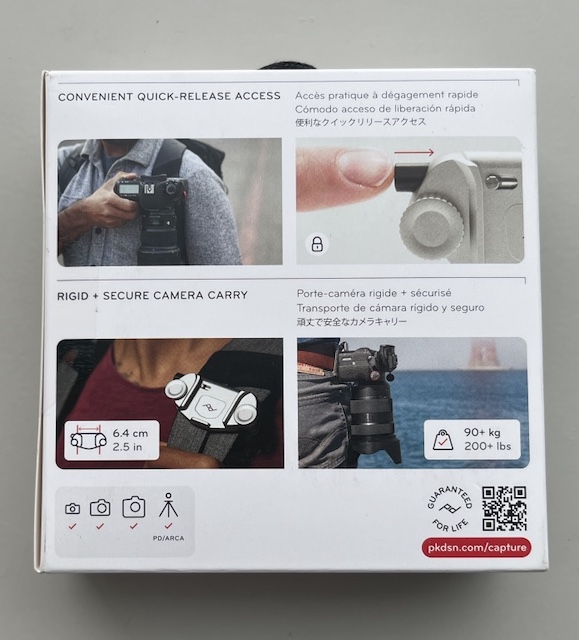
The system consists of two main parts:
The main clip, which attaches to the shoulder strap of your backpack
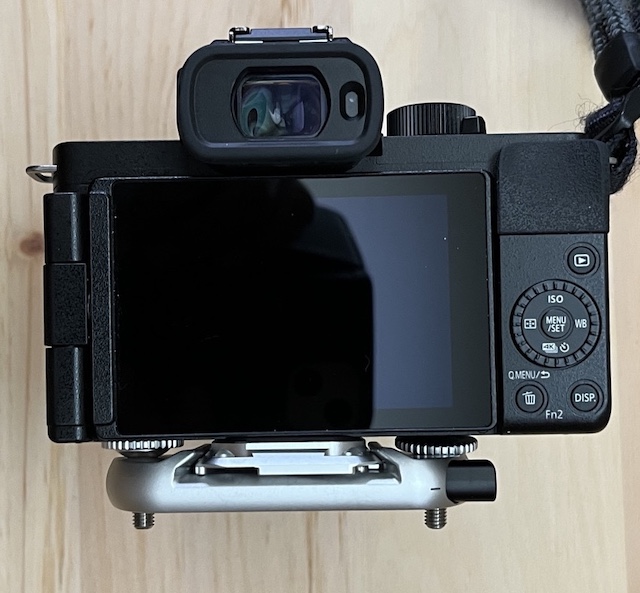
A plate, which screws into the tripod socket on the camera body
Once both are attached, you simply slide the camera into the clip until it clicks securely into place.
Included Accessories
Below is the main clip along with all the included accessories.
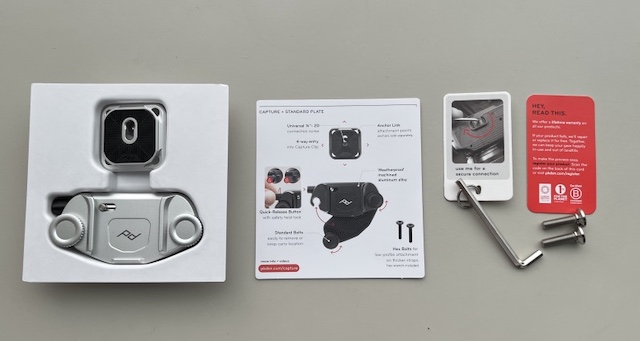
Main Clip
This is a close-up of the main clip itself.
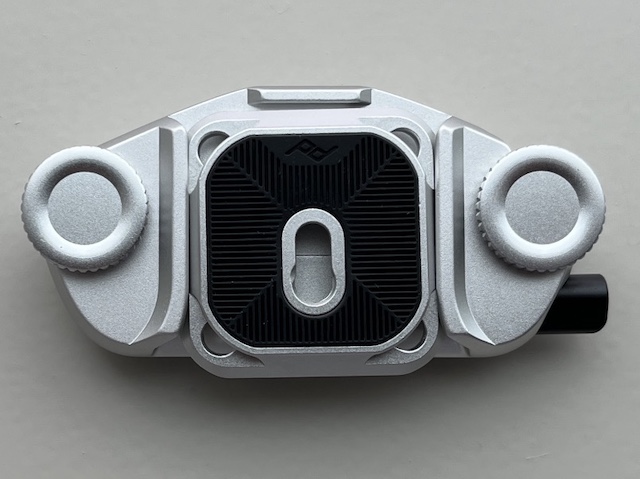
At the time of purchase, only the silver version was in stock—and it was the very last one available in the store.
Real-World Use
In the photo below, the Peak Design Capture is attached to a compact 10L backpack.
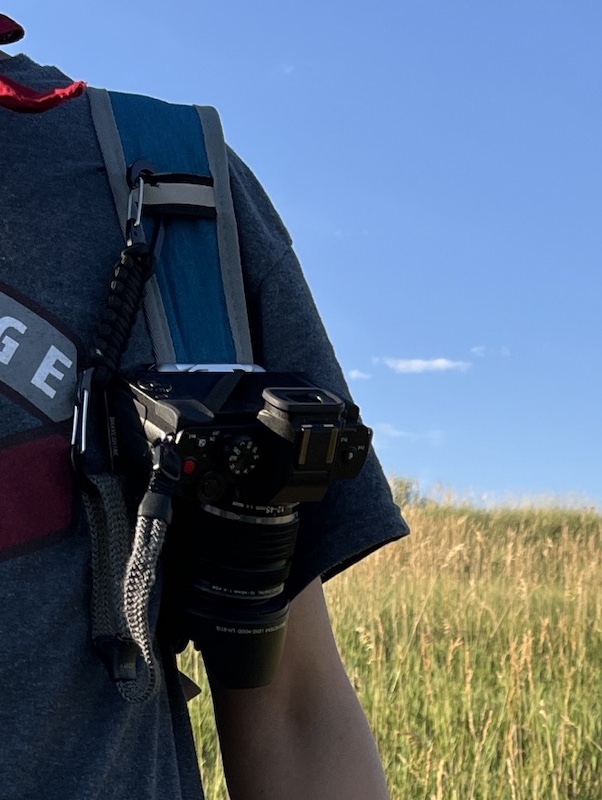
When hiking or walking trails, I almost always use this small backpack.
On the left shoulder strap, I mount a Lumix G100D with an M.ZUIKO 12–45mm lens (equivalent to 24–90mm in full-frame terms).
Attaching the Clip to a Backpack
The main clip is secured using two screws that clamp onto the backpack’s shoulder strap.
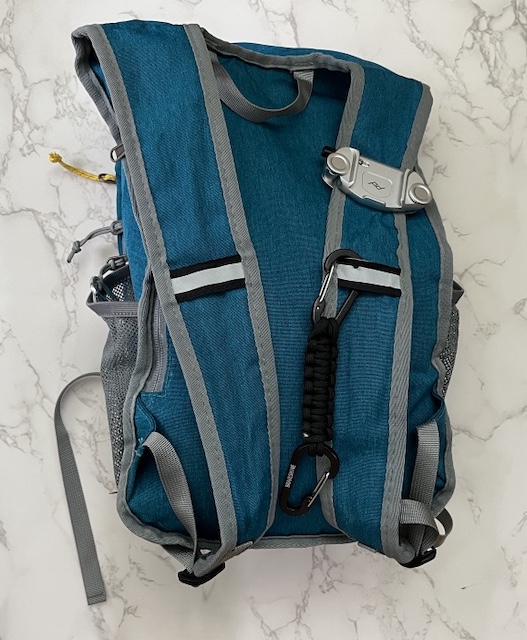
After hiking for about two hours, the clip may slide slightly downward. However, simply repositioning it upward solves the issue, and it has never come loose or fallen off.
So far, I’ve never experienced any accidental detachment.
Mounting the Camera and Lens
The photo below shows the camera and lens mounted on the backpack clip.
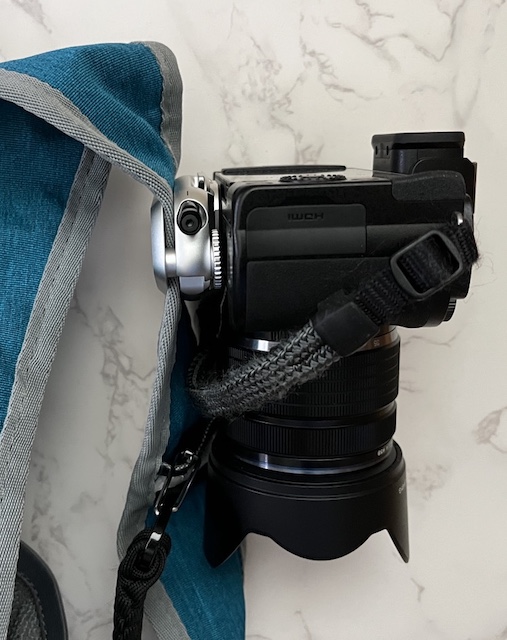
Pressing the release button instantly unlocks the camera, allowing you to move into shooting position without delay.
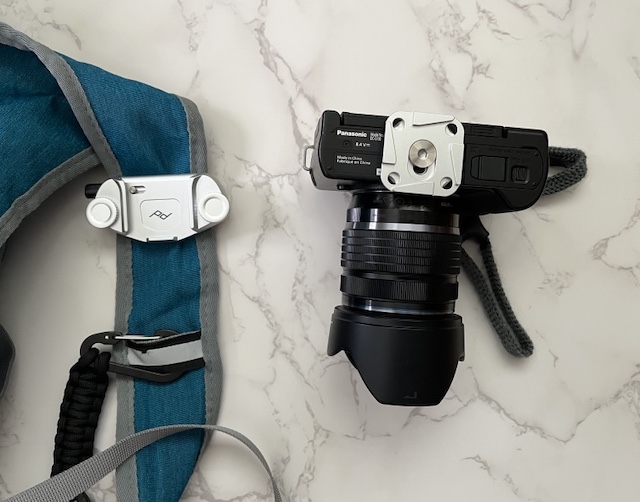
This quick-release design makes a huge difference when capturing fleeting moments outdoors.
Lightweight Micro Four Thirds for Fast Shooting
Since I started using the Peak Design Capture, fast shooting in outdoor environments has become significantly easier.
My typical hiking setup looks like this:
Right hand: G100D + telephoto zoom (always handheld)
Shoulder clip: G100D + standard zoom
Right belt pouch: G100D + lightweight macro lens (≈60mm equivalent)
Left belt pouch: G100D + ultra-wide-angle zoom
To be honest, this kind of setup would be extremely difficult without the lightweight Micro Four Thirds system.
A Minor Drawback
There is one small issue worth mentioning.
The camera release button, located on the right side of the main clip, has a rotating lock mechanism.
With just a slight twist, the button becomes locked and cannot be pressed.
Once, while hiking in the mountains, I couldn’t release my camera because the button was locked. It took me nearly 20 minutes to figure out what was wrong.
(To be fair, I didn’t realize the lock feature existed at the time—and I’m not someone who reads manuals carefully…)
Since the camera will not detach unless the button is pressed, I personally feel that this rotating lock function may be unnecessary.
Related Products
Amazon US: Peak Design Capture Camera Clip